Fast 2D parametric vector sketching for 3D printing
Create constrained 2D SVG profiles without waiting for heavy desktop CAD to boot. Edit dimensions in the browser, then export vector paths for extrusion and modeling workflows.
A lighter front door for exact 2D outlines
Anchorsmith is not a replacement for a full 3D CAD assembly. It is a fast way to draw, constrain, and export the 2D vector profiles that many printed parts start from.
Sketch the profile
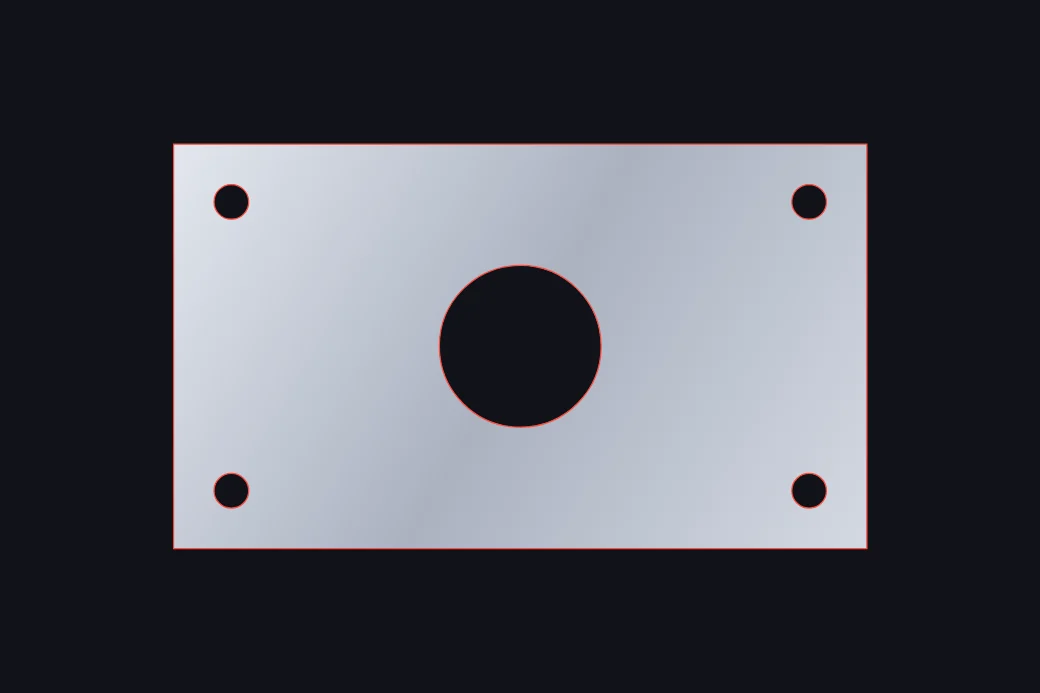
Draw the face, bracket, token, label, or panel outline as a real vector path instead of a screenshot or raster trace.
Constrain what matters
Keep key edges parallel, perpendicular, coincident, equal length, or dimension-driven so edits do not break the profile.
Export SVG for CAD
Export clean SVG for tools that can import 2D paths before extrusion, including Fusion 360, Blender, Tinkercad, and slicer-adjacent workflows.
Type one dimension. Keep the sketch coherent.
Use driving dimensions and geometric relations to keep a sketch editable as the size changes. That is useful for brackets, enclosure plates, trays, labels, and flat profiles that get extruded or imported into another tool.
profile width = 64mm
hole spacing = 48mm
corner radius = 4mm
left edge || right edge
top edge perpendicular left edge
Anchorsmith for other workflows
SVG editor for laser cutting
Lay out parts with driving dimensions in millimetres or inches, and export SVG that carries its real physical size.
Cricut sizing fixwhy your SVG imports at the wrong size in Cricut
The unit-mismatch guide: why a 4-inch box lands at 3 inches in Design Space, and how to export dimensionally accurate files.
Indie game devsvector icon editor for indie game developers
Build 2D UI icons and sprite art as vectors, then export at the exact pixel sizes Unity, Godot, and Unreal expect.